
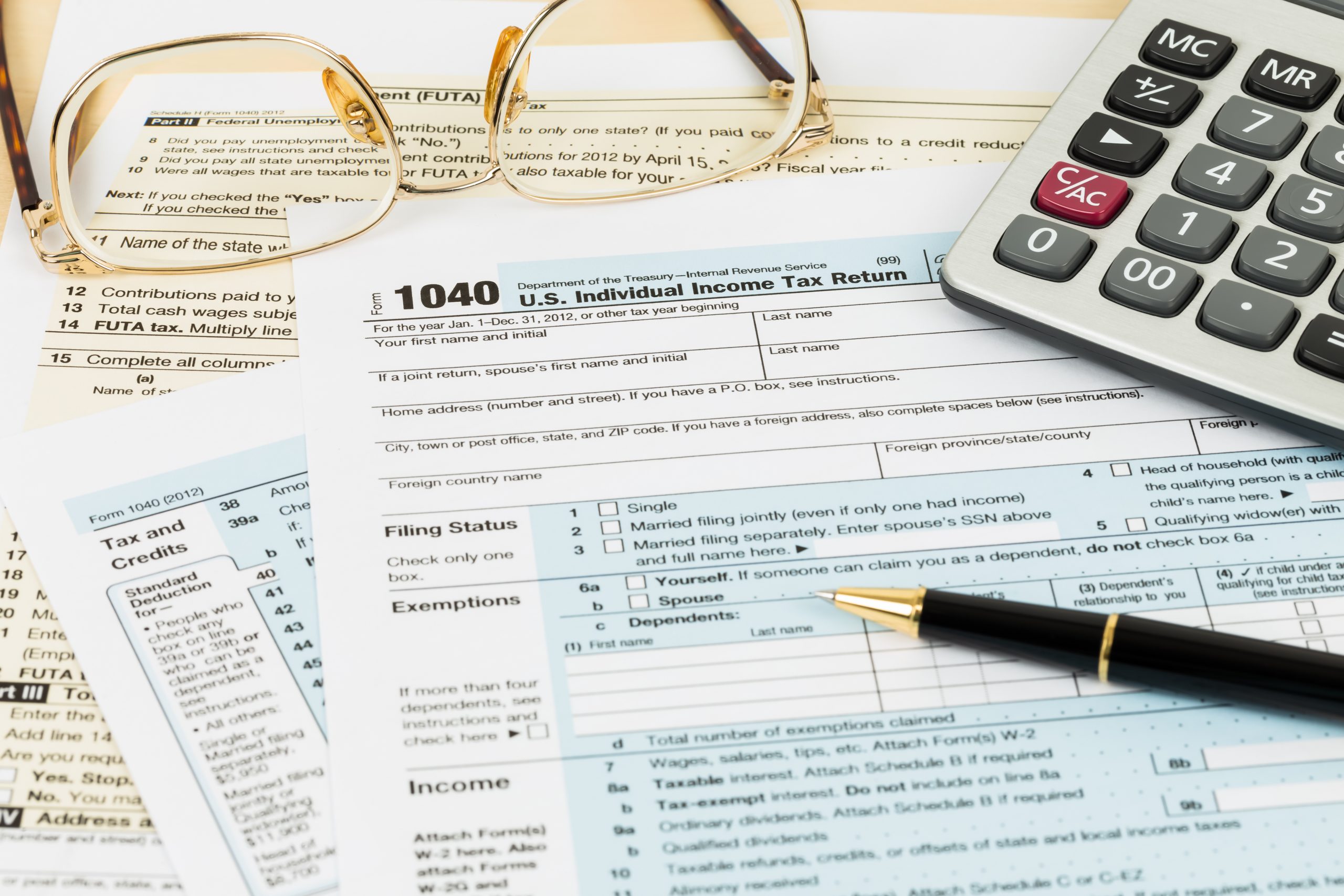
Tax season is once again upon us! Below is a helpful overview of what to expect regarding your tax documents from Pershing, including delivery timing, access instructions, and a few important reminders.
Delivery of Forms 1099 and 1099-R
Your Form 1099 and/or 1099-R will be delivered through Pershing’s electronic delivery system unless you have elected to receive paper copies, which will be mailed via the U.S. Postal Service.
For clients receiving electronic delivery, tax documents will be available through:
- CJM’s Client Portal, and
- Pershing’s NetX Investor website
Please note that realized gains and losses are reported on Form 1099.
Important update for 2025 Qualified Charitable Distributions (QCDs):
For clients who made QCDs from IRAs during 2025, you will receive two Form 1099-R. One will reflect your “regular” distributions made throughout the year, and the other will contain the new Code “Y”, which indicates the amount distributed directly to a charity. CJM worked closely with Pershing to ensure QCDs were properly coded throughout the year. We encourage you to review both 1099-Rs carefully to confirm the amounts match your expectations.
When will I receive my tax documents?
January 28
- Form 1099 delivery begins for clients holding only stocks and bonds
- Form 1099-R sent for retirement account distributions (IRAs)
February 11
- Form 1099 delivery begins for clients holding mutual funds, REITs, and similar investments
- If your 1099 is not yet available, you may receive a “Pending 1099” notice
February 25
- Most remaining 1099s will be issued
March 11
- Final 1099 mailing for fund companies that submitted late income reclassification data to Pershing
How do I import my tax information into TurboTax or other software?
If you use Quicken, Turbo Tax, H&R Block, FreeTaxUSA, or other software for your tax preparation, you can import your account information directly from NetX Investor.
- Log in to your tax software and select the option to import 1099 information
- Choose BNY Mellon|Pershing
- Enter your NetX Investor username and password when prompted
How do I find municipal bond income excluded from state tax?
If you owned a municipal bond fund and are being asked for the amount in which your income dividend is also to be excluded from state tax, use these sites:
American Funds: https://www.capitalgroup.com/individual/service-and-support/tax-center/interactive-worksheets/munibondtax.htm
T. Rowe Price: https://www.troweprice.com/personal-investing/resources/planning/tax/fund-specific/t-rowe-price-tax-free-funds.html
If you owned municipal bond funds from other companies, you can use Pershing’s helpful tool: https://ofx.netxinvestor.com/tools/mftoolsecure
Where can I find my tax documents?
For accounts held at BNY Mellon/Pershing you can find the information on the CJM Portal or Pershing’s NetX Investor site.
CJM’s Client Portal Website
- Sign on to: https://login.orionadvisor.com/
- Click on the Folder icon in the left menu bar
- Click on Pershing Documents
- Click on Tax Statements
- In the top right, change the year to 2025 to access tax year 2025
Pershing’s NetX Investor Website
- Sign on to NetX Investor Site: https://investor.pershing.com/nxi/welcome
- Go to Communications on the left-hand side and choose All Documents
- Click on Tax Documents for Income, Dividends, and Realized Gain/Loss information.
Additional Reminder
For non-qualified accounts (e.g., Trust, Joint, or Individual accounts), you may see both covered and non-covered cost basis reported. Be sure to report both, not just the covered amount, when preparing your tax return.
If you have questions or need assistance locating your documents, please don’t hesitate to contact our office.
Social Media